Goodinkstore
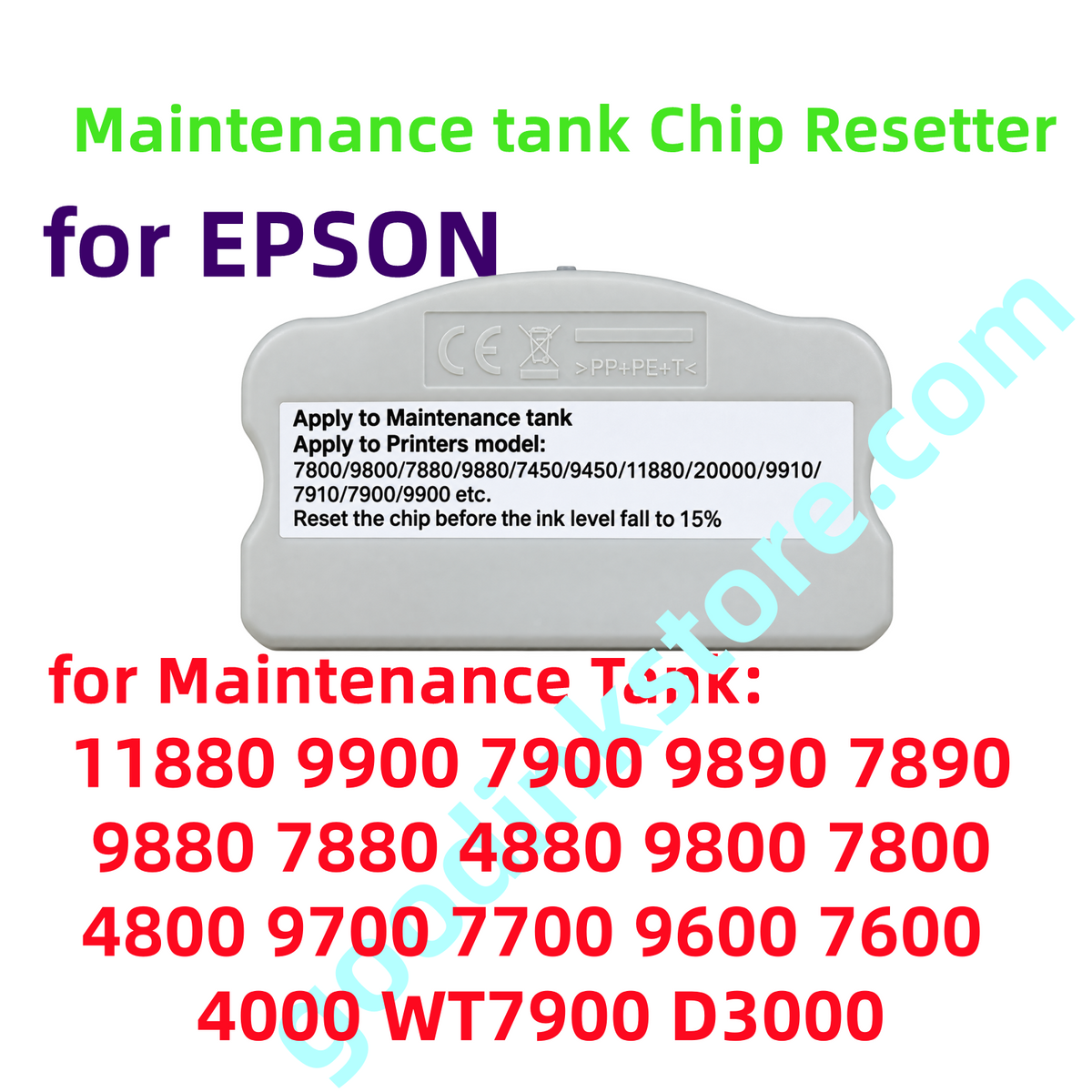
Maintenance Box Chip Resetter for 11880 9900 7900 9890 7890 9880 7880 4880 9800 7800 4800 7600 9600 4000 WT7900 D3000 7700 9700
Maintenance Box Chip Resetter for 11880 9900 7900 9890 7890 9880 7880 4880 9800 7800 4800 7600 9600 4000 WT7900 D3000 7700 9700
Couldn't load pickup availability
Maintenance Tank Chip Resetter
for maintenance tank model:
Epson Stylus Pro 11880
Epson Stylus Pro 11880C
Epson Stylus Pro 9900
Epson Stylus Pro 7900
Epson Stylus Pro 9890
Epson Stylus Pro 7890
Epson Stylus Pro 9880
Epson Stylus Pro 7880
Epson Stylus Pro 4880
Epson Stylus Pro 9800
Epson Stylus Pro 7800
Epson Stylus Pro 4800
Epson Stylus Pro 9600
Epson Stylus Pro 7600
Epson Stylus Pro 4000
Epson Stylus Pro 9700
Epson Stylus Pro 7700
Epson Stylus Pro WT7900
Epson Stylus Pro D3000
Usage: To reset the chips on the original maintenance tanks, and prolong the life of chips.
The resetting procedure:
Line up the contacts to match so you see the red LED is on. Hold the resetter in contact with the chip until the red LED turns green.
1.Align the cartridge to the correct notch on the reset unit so that the chip contacts and the pins on the resetter meet.
2.Keep the two units in firm contact. If the red light is blanking, it shows the two units contact well.
3. If the red light turns green, it shows the reset operation is successful.
If the red LED does not turn green, retry this reset. If the LED stays red, that means the chip is corrupted or damaged.
Share